Account deletion in A11y Pulse can be done by the account owner, using the Delete Team button at the bottom of the Team Settings page. This will schedule the account and all of its data for deletion. It may take several days for all of your data to be deleted.
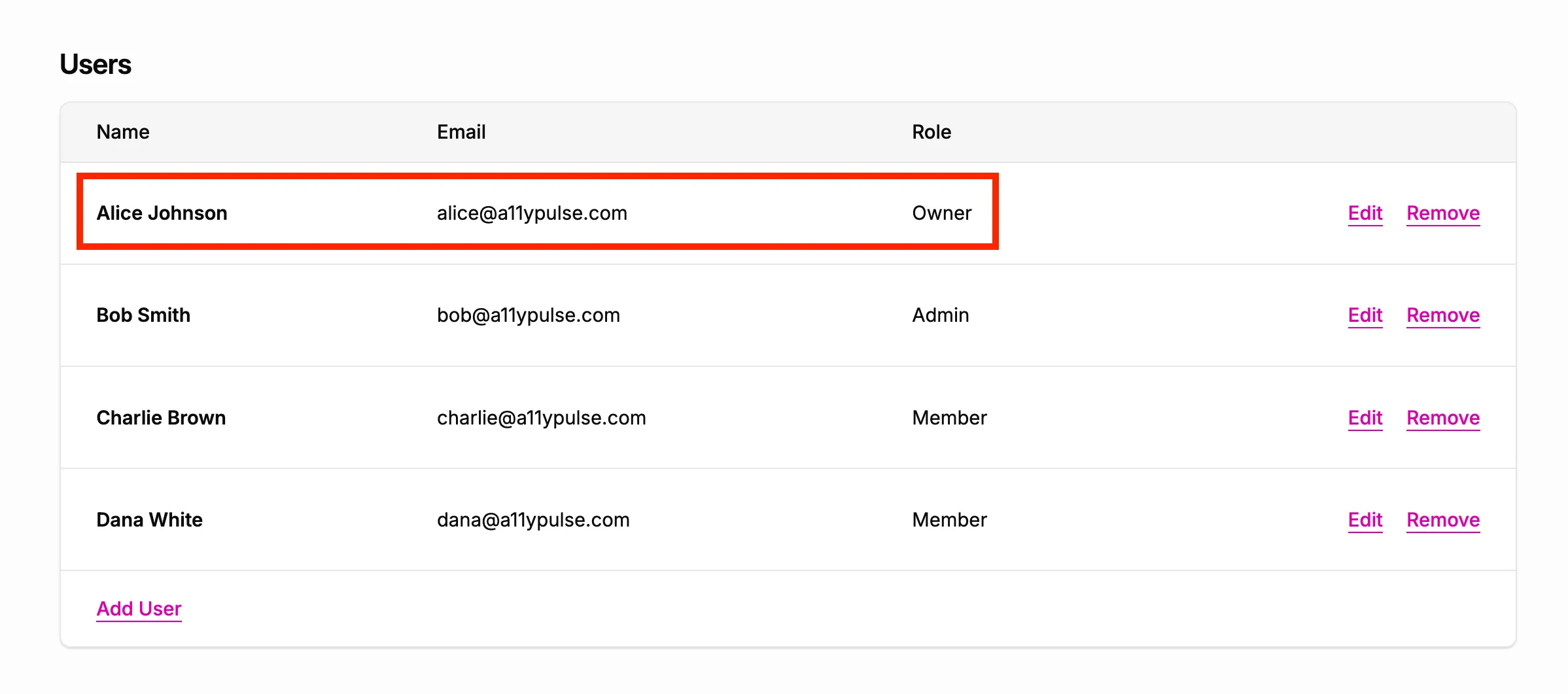
You can check who the account owner is on the Team Settings page.