
Scripting is an advanced feature in A11y Pulse that enables you to perform various tasks before your accessibility scans are run. You can use scripting to do things like log into a website, or simulate user actions to initialise application state.
Scripts can be added to any site in A11y Pulse. The script is run once at the beginning of each scan for that site.
Contents:
- Scripting reference
- Adding a script to a site
- About the scripting language
- Storing credentials in scripts
Scripting reference
For a list of available functions and example scripts, please visit the Scripting Reference documentation.
Adding a script to a site
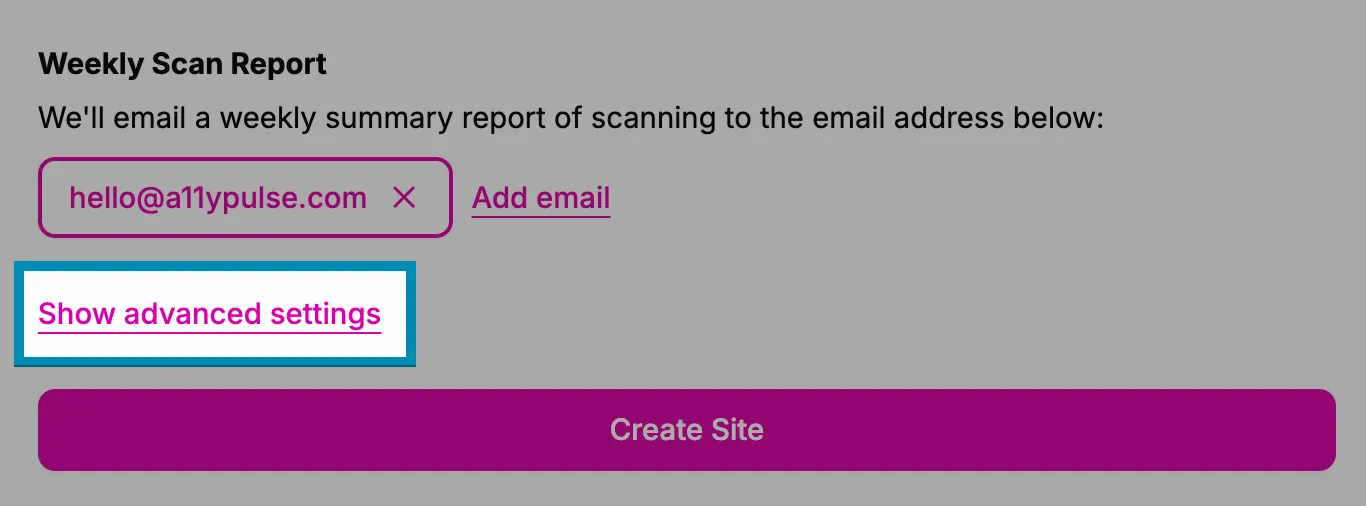
You can add a script to a site when you are adding a new site, or editing a site. Click the Show advanced settings button at the bottom of the form to reveal the scripting panel.
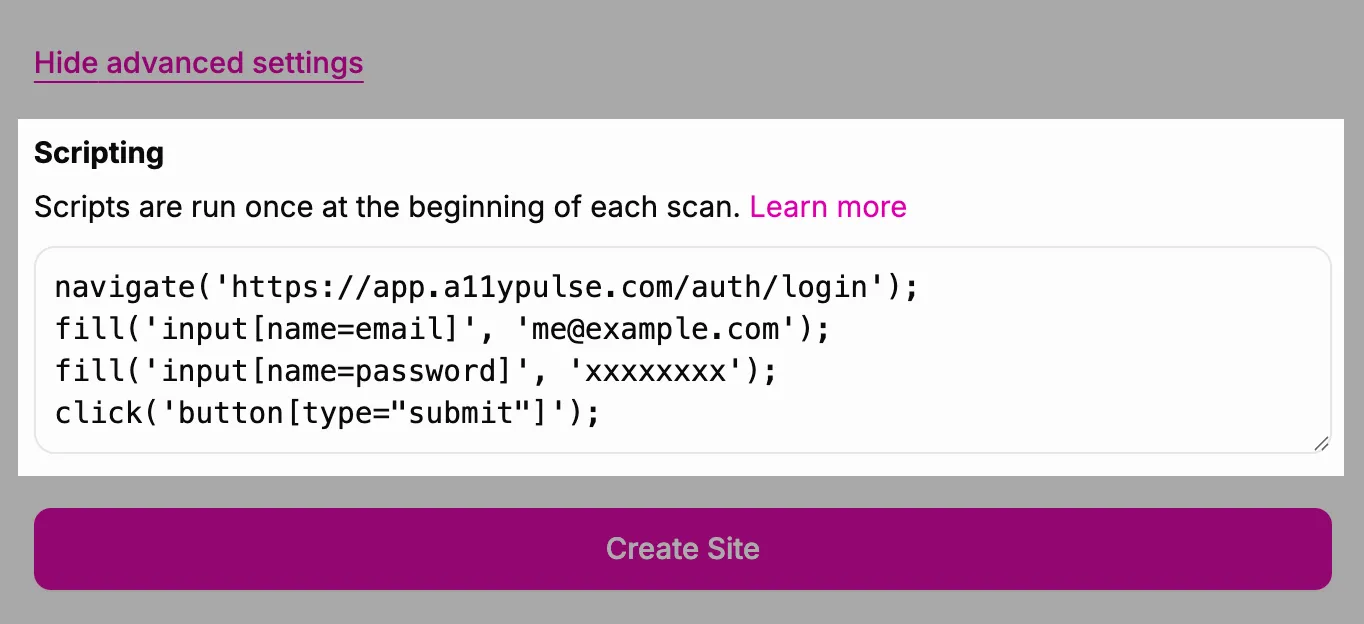
You can enter your script into the scripting panel. When you are finished, click the Create site or Update site button to save your script.
About the scripting language
A11y Pulse uses a custom scripting language. The syntax is the same as JavaScript, but A11yScript only supports calling the functions listed below. A11yScript does not support variables, or control structures like loops and if-statements. It cannot directly access the browser.
Storing credentials in scripts
While all A11y Pulse data is encrypted both in storage and in transit, scripts are considered to be plain text. If somebody were to gain access to your A11y Pulse account, they would be able to see the contents of your scripts. For this reason, we do not recommend using privileged credentials in your A11y Pulse scripts.