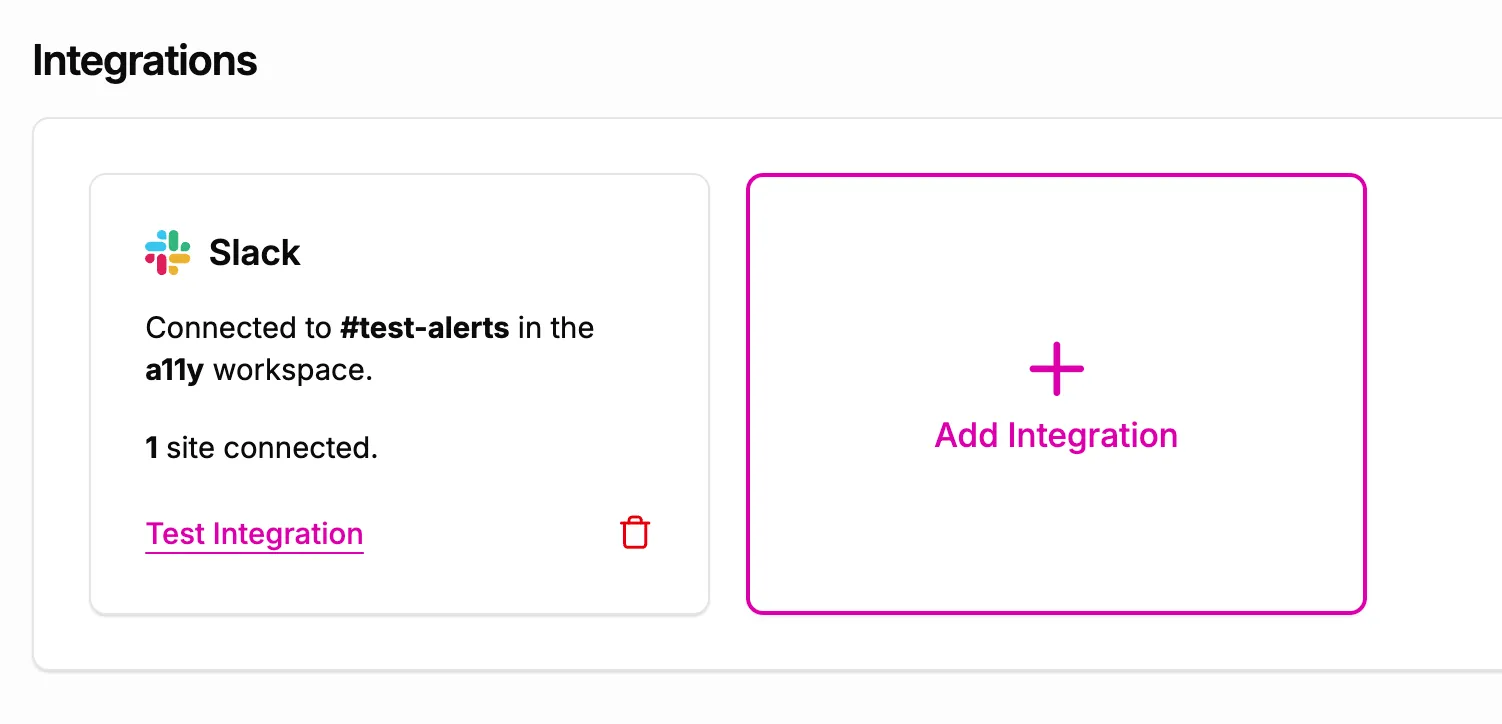
The A11y Pulse Slack integration allows you to receive accessibility alerts directly in your Slack workspace. You can set up as many Slack integrations as you like, each configured to send alerts to a specific channel.
To set up a new Slack integration, go to your A11y Pulse settings page and scroll down to the Integrations section. Click the Add Integration button.
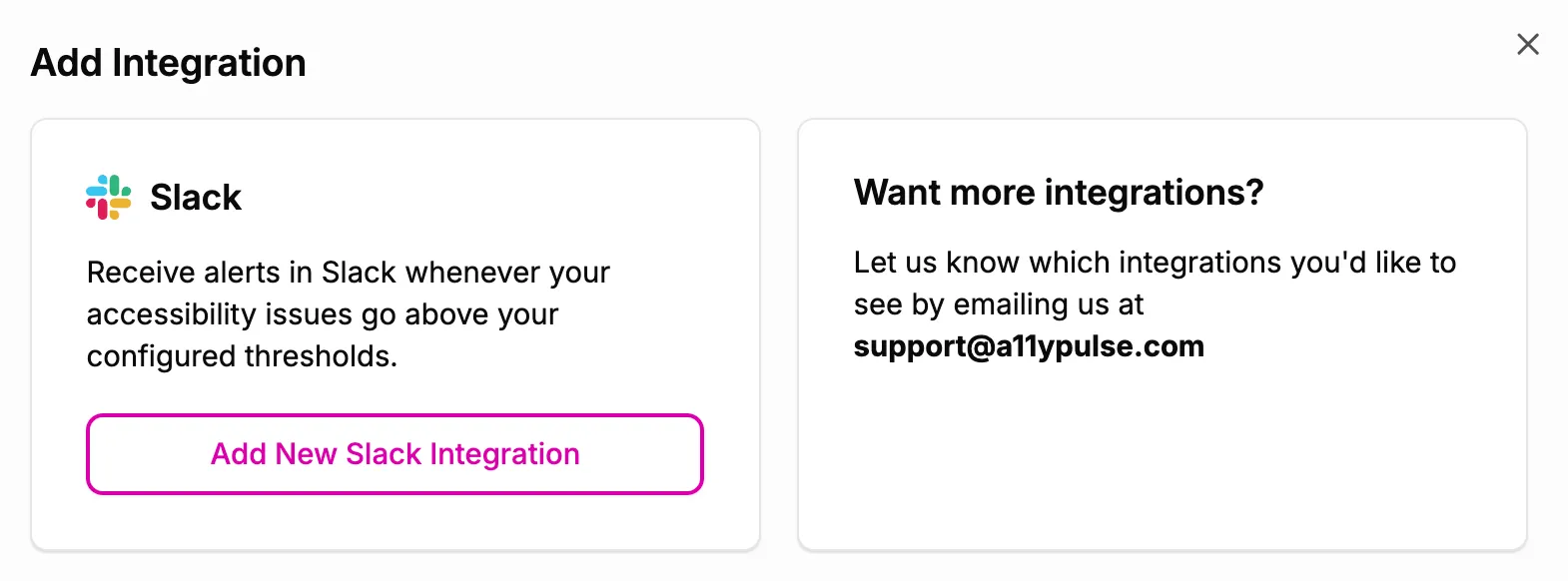
In the Add Integration modal, click the Add New Slack Integration button. This will redirect you to Slack to authorize the A11y Pulse app.
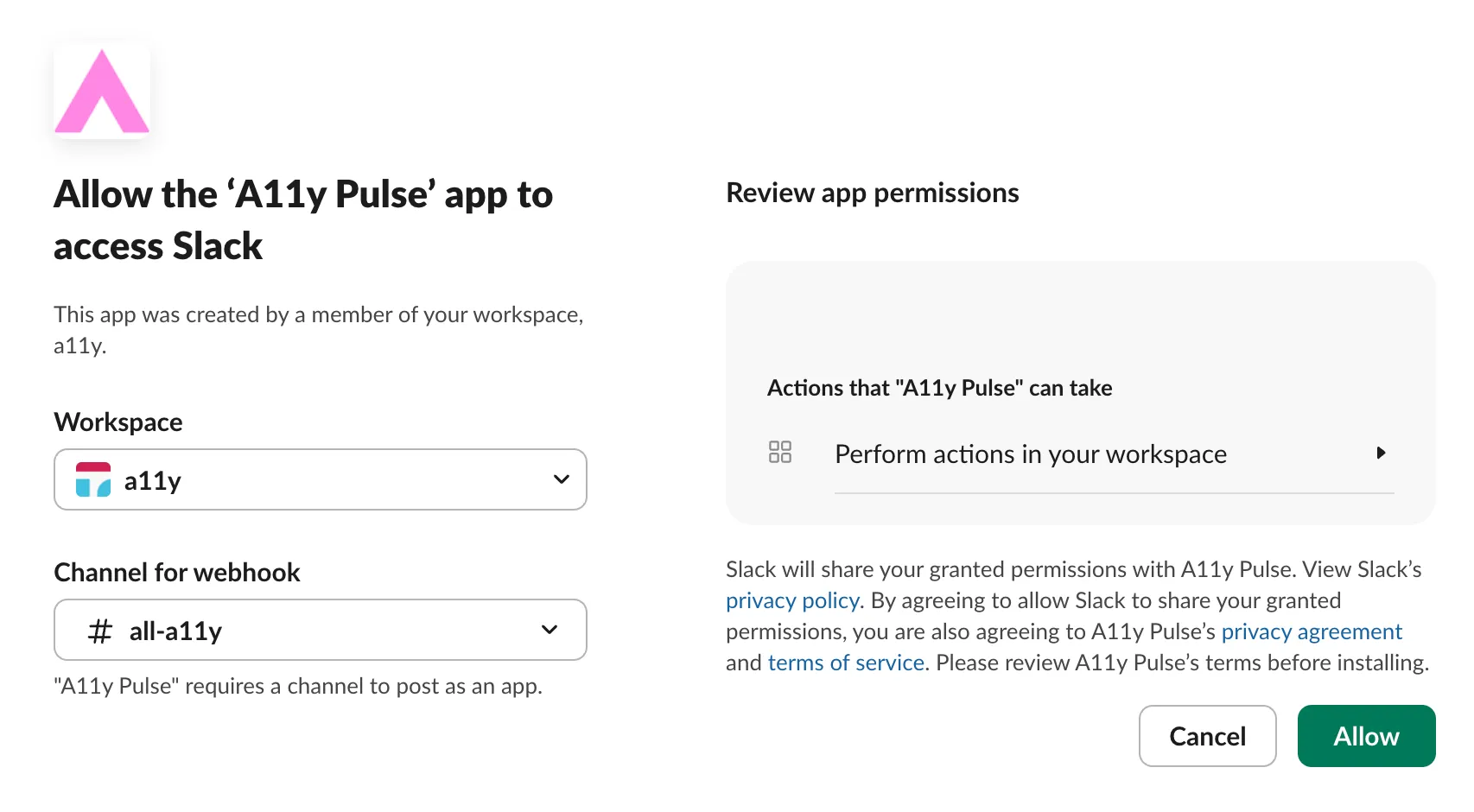
On the Slack authorization page, select the workspace and channel where you want to receive alerts, then click the Allow button.