How we built the fastest accessibility scanner in the world

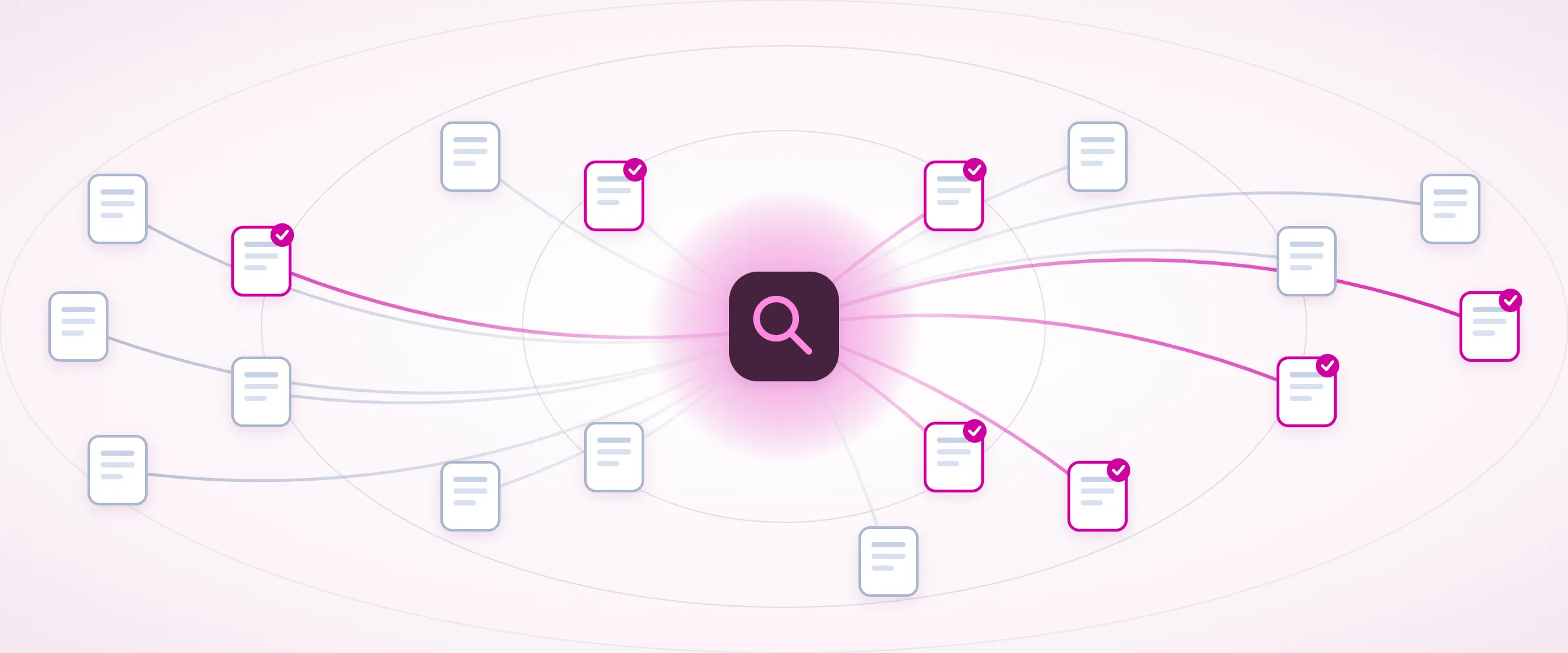
In my experience, speed is not a functional requirement for accessibility scanners at all, and it shows in the way most of them are built. The accessibility industry decided long ago that automated scanning is something that should be done infrequently. Most tools perform scans weekly, monthly, or even quarterly. At this frequency, there’s no impetus to build a fast scanner. We built A11y Pulse to be different: you should be able to use it as part of your development workflow, getting scan results within minutes to verify your work. To achieve this, we had to build the fastest accessibility scanner… in the world. (That’s a Jeremy Clarkson reference).
Why speed matters
We’ve built A11y Pulse to be a part of your development workflow. Our MCP server helps you verify fixes in real time and our accessibility alerts notify you of regressions as soon as they happen. Free unlimited rescans means you can iterate without limits. If scans take hours to run, this workflow isn’t useful. Our goal has always been to make accessibility accessible, and we believe speed is an integral part of that.
How traditional scanners work
Traditional accessibility scanners are built to scan a website over a period of several hours or even days. They typically scan one page at a time, working through the site sequentially. This has been viewed as acceptable because when scans are infrequent, it doesn’t matter how long scans wait in a queue or whether they take 5 minutes or 5 hours.
The main benefits of this approach are that it’s simple to build and can be scaled in advance. This keeps the up-front investment of building the scanner low, and it keeps the running costs predictable. Some scanners using cloud compute resources may even “scale to zero” while no scans are occurring, i.e. resources are only brought online when a batch of scans has been scheduled.
How A11y Pulse’s scanner is different
How do you build the fastest scanner in the world without spending a fortune on cloud compute resources? We focused on three main things:
- Predictive scaling: pre-allocating scanner resources before demand surges
- Respectful parallelism: being able to scan many pages at the same time without overloading the target site
- Fast boot times: minimising the time it takes to allocate new scanners
Predictive scaling
Every A11y Pulse scan goes through a queue system backed by Valkey. This allows us to trivially query the queue depth to determine how many scanners are needed at any given time. Scaling based on live demand has one major drawback: scanners take time to boot up. This is where the “predictive” part of our scaling comes in: since the majority of A11y Pulse scans are run on a schedule, we can look at upcoming scans and scale up in advance. Getting the timing perfect means we can begin scans immediately, rather than waiting for the scanners to boot up. Conversely, we can quickly scale down during low demand to save on costs.
The scaling itself is only part of the story. Our queue system has several prioritised swimlanes that give us fine-grained control over scan execution. User-initiated scans are given a higher priority than scheduled scans, and we can interleave priority so that one A11y Pulse user can’t monopolise the scanner pool while others are waiting. The ultimate goal is to optimise for perceived performance and prioritise scans that someone is actively waiting on.
Respectful parallelism
While traditional accessibility scanners tend to shy away from parallelism, A11y Pulse embraces it wholeheartedly. During busy periods, we can have thousands of scanners running in parallel.
Traditional scanner architecture
A11y Pulse’s scanner architecture
Each page is scanned in a fully isolated browser context, so one page’s state cannot interfere with any other page that is being scanned. This is partially for security reasons, but also helps ensure that each page is scanned as a user is likely to view it. To keep memory under control in long-lived scanner instances, we periodically recycle the underlying browser and re-launch it in the background, ready for the next scan.
But what does it mean to be “respectful” in the context of parallelism? Fanning out to thousands of checks is only friendly if the sites being scanned can cope with a sudden burst of traffic. To be respectful, we cap how much load any single domain can receive at once, regardless of how much spare scanner capacity we have. We also use a number of heuristics to fail fast when a site appears to be under strain. We then retry with exponential backoff, giving the site progressively more room to recover before we try again.
Fast boot times
We package the A11y Pulse scanner as a container image, so the majority of a scanner’s boot time is downloading and unpacking that image. The majority of our image’s size is taken up by Google Chrome, but we are able to use some simple tricks to keep the overall image size and boot times down.
The first trick is building the image in two stages. The first stage installs the full toolchain and compiles our code, then strips out everything that is not needed for runtime. The second runtime stage copies the handful of remaining files that a running scanner actually needs. The result is an image only half the size of the equivalent Puppeteer image, and less than half the size of the equivalent Playwright image.
As well as building a small image, we also go to some lengths to reduce the cold start time of each scanner. The two primary mechanisms for achieving this are pre-building the font cache during the image build and pre-launching Chrome while the scanner itself is starting. The browser recycling mentioned in the Respectful parallelism section also helps to keep warm browser instances on standby, ready to be used for the next scan.
What this means for you
A fast scan can be an active part of your development workflow. We want you to feel like integrating A11y Pulse into your CI/CD pipelines is a net benefit, with no trade-offs and no worries about delaying your deployments. Everyone benefits from fast accessibility scans, and we hope that our work will enable better outcomes for you and all of your users.
If you want to see how fast A11y Pulse is, check out the video below. It shows an on-demand scan of 81 pages being completed in 18 seconds - that’s an average of 4.5 pages per second.
Not using A11y Pulse yet? Sign up for a free trial and see how easy it is to bring continuous accessibility testing into your team's workflow.
Questions? We would love to hear from you. Drop us a line at [email protected].