Accessibility alerts in Microsoft Teams

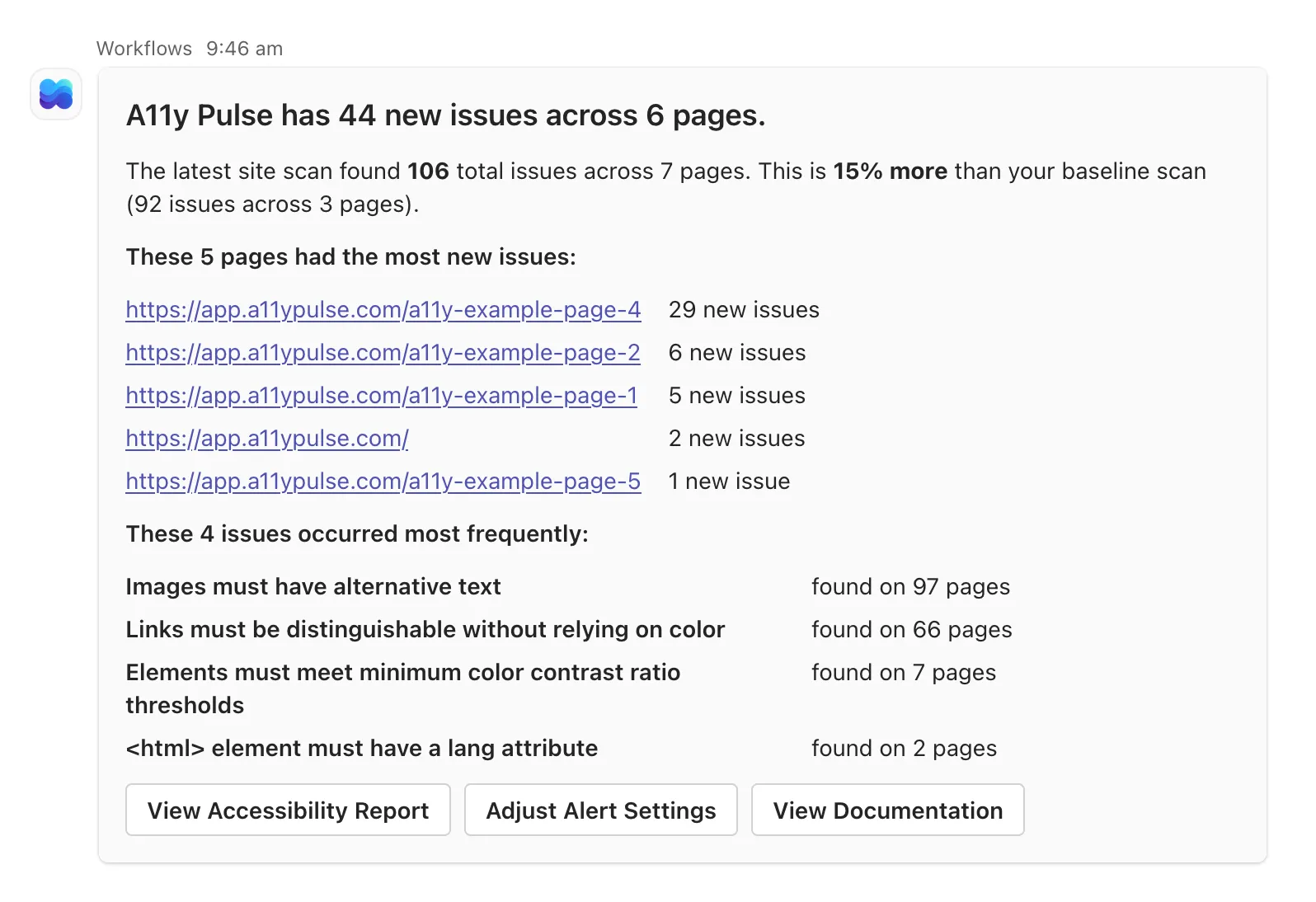
This week we’re releasing a new Microsoft Teams integration, which allows you to receive A11y Pulse alerts directly in any of your Teams channels. The setup takes about a minute and doesn’t require any admin permissions. Just create a Workflow webhook in Teams, paste the URL into A11y Pulse, and add the integration as an alert recipient on any site you want to monitor.
How it works
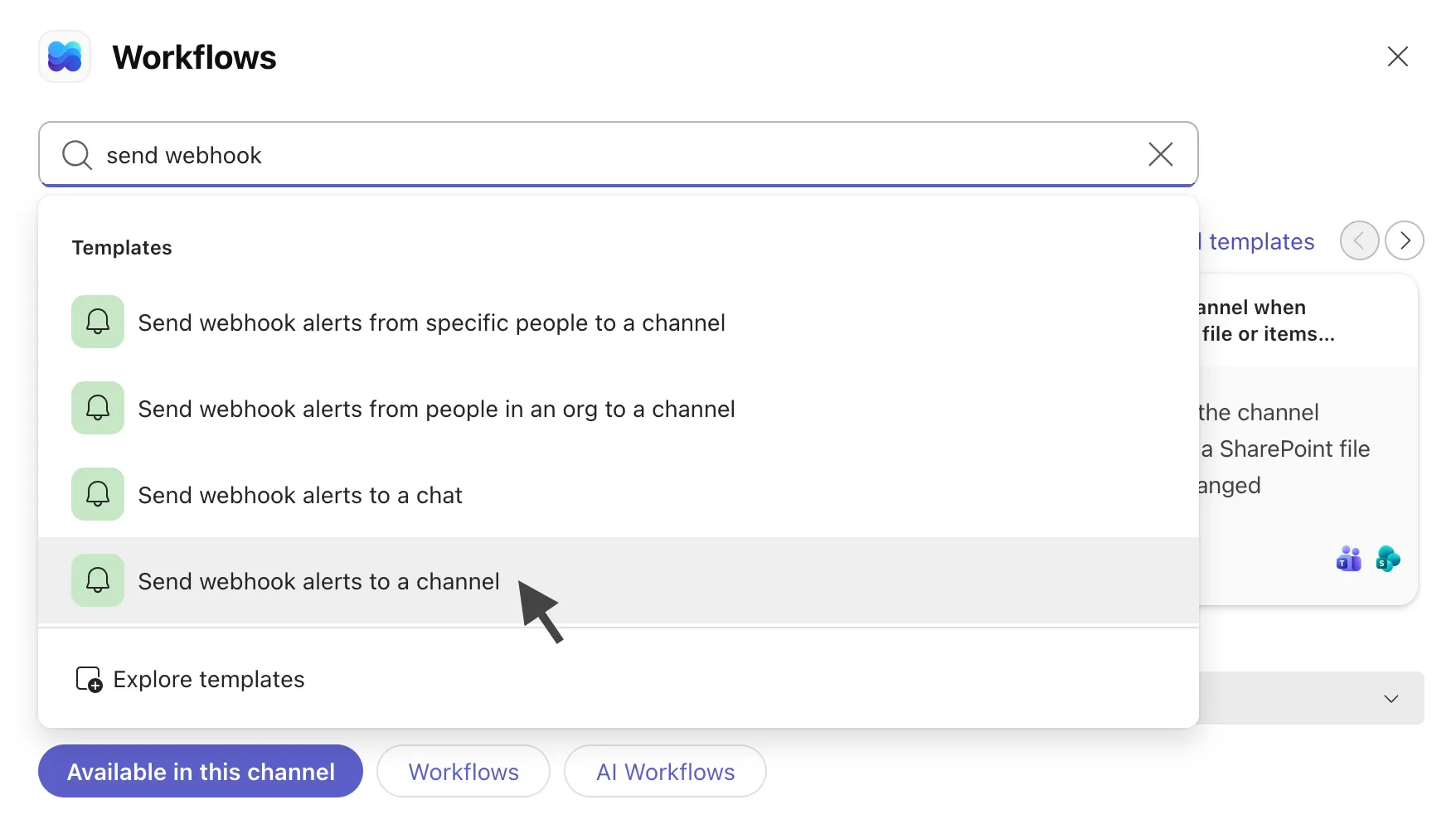
Using Microsoft’s “Send webhook alerts to a channel” template, you can have Teams generates a unique webhook URL. This URL can be pasted into A11y Pulse along with a label of your choice.
When an alert fires, A11y Pulse posts a rich message to your channel containing the new issue count, the pages most affected, the most frequent issue types, and links to the full report and your alert settings. For more information, see our Microsoft Teams documentation.
We’re excited to be integrating with more of the tools you use every day, making it easier to integrate accessibility into your team’s workflows. If you have any feedback or suggestions for other integrations you’d like to see, please let us know!
Not using A11y Pulse yet? Sign up for a free trial and see how easy it is to bring continuous accessibility testing into your team's workflow.
Questions? We would love to hear from you. Drop us a line at [email protected].