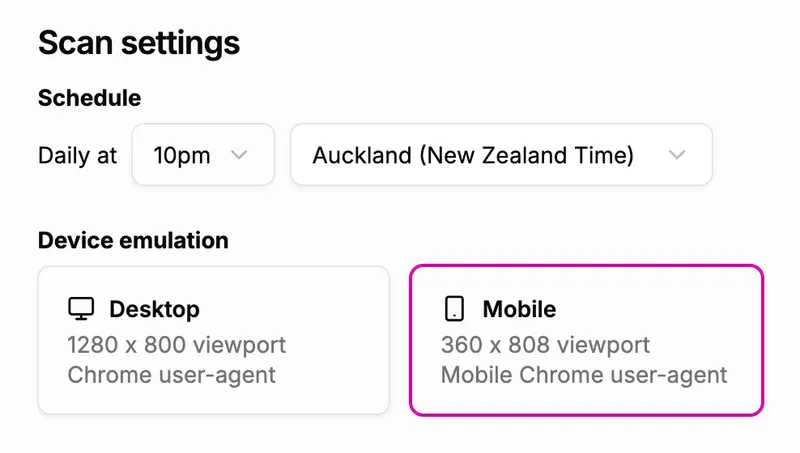
Each site’s scan settings now include a Device emulation choice between Desktop and Mobile, so you can audit a site the way your visitors actually experience it. Desktop keeps the behaviour you already know, scanning at a 1280 by 800 viewport with a standard Chrome identity, and it remains the default for every site so nothing changes unless you ask it to.
Choosing Mobile scans the site at a 360 by 808 viewport using a Pixel 9 profile, which reports the scanner as Mobile Chrome on Android through both its user-agent and its client hints and renders the page as a touch device. Sites that serve a different layout or different content to phones will be audited as that mobile experience rather than the desktop one, and the choice applies to every scheduled and manual scan for the site from the moment you save it.