Know the moment new accessibility issues appear on your site
Get notified via Slack, Microsoft Teams, or email when new accessibility issues appear on your site, so your team can catch regressions before your users do, not after.
Catch regressions before your users notice them
Every daily scan compares total issue counts against your alert baseline. When new violations push the count above the threshold you set, A11y Pulse alerts you immediately via Slack, Microsoft Teams, or email, so a bad deploy doesn't become a compliance problem.
- Alerts fire when total issues climb past the threshold you set against your baseline scan
- Notifications sent to Slack, Microsoft Teams, email, or any combination
- Resolve and rescan to confirm the regression is fixed
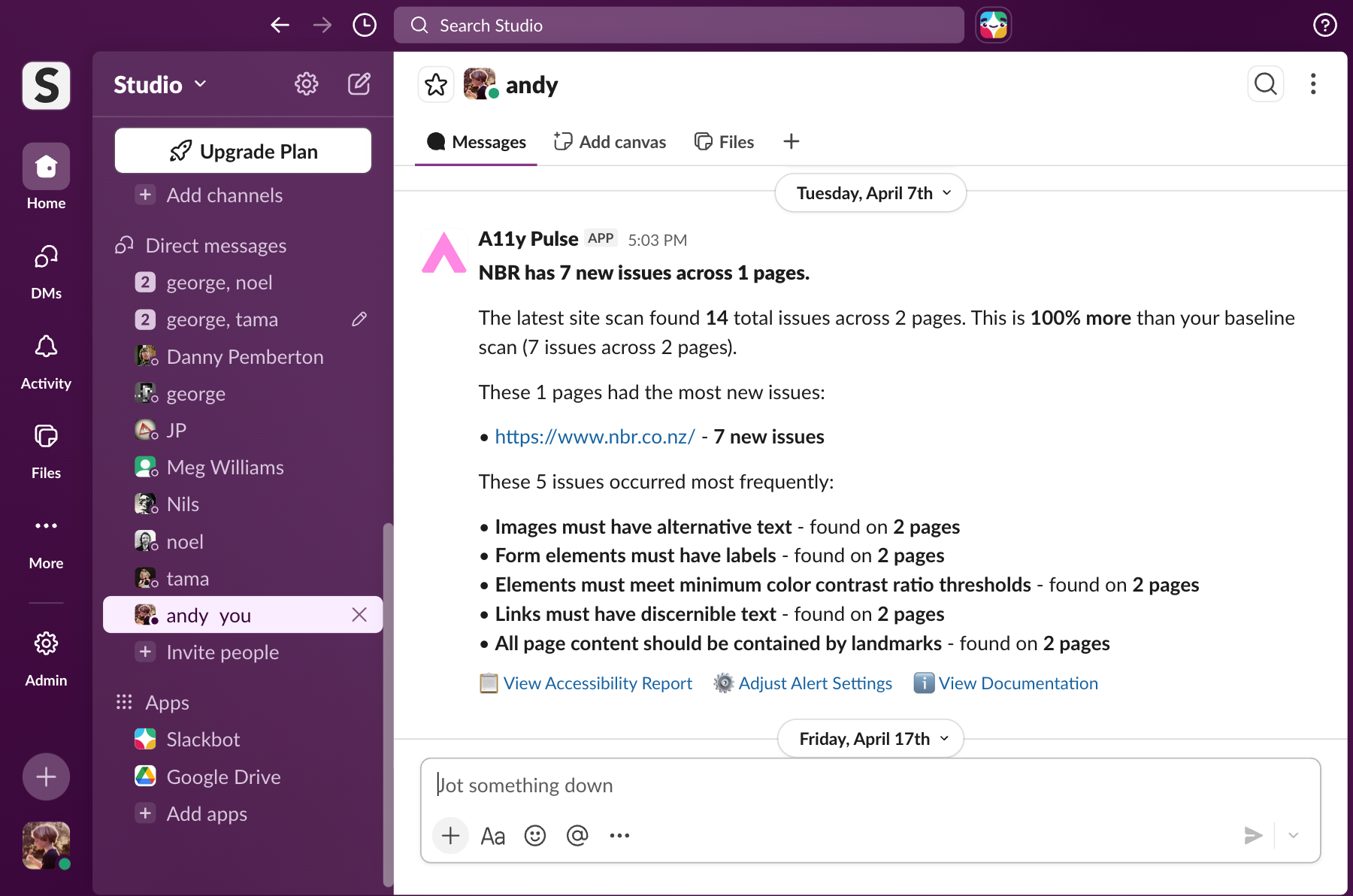
Slack, Microsoft Teams, and email, your way
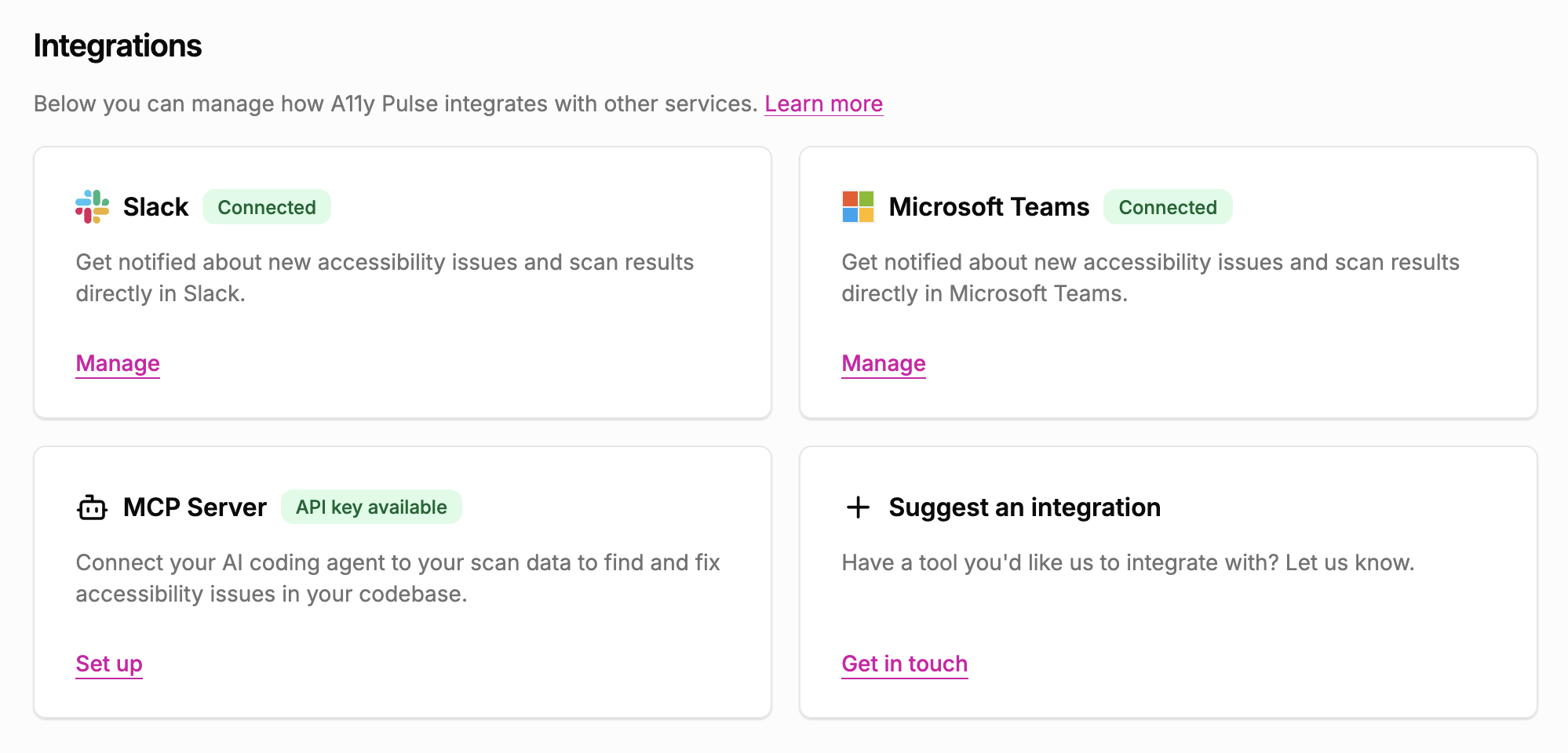
Connect your Slack workspace, paste a Microsoft Teams Workflow webhook URL, or add an email address and you're done. Choose which alert types you want per channel.
- Slack integration via OAuth, connects your workspace in under a minute
- Microsoft Teams integration via Workflow webhook, takes about a minute end-to-end
- Email alerts to any address, no account required for recipients
- Per-site notification preferences
Monthly summaries, not just emergencies
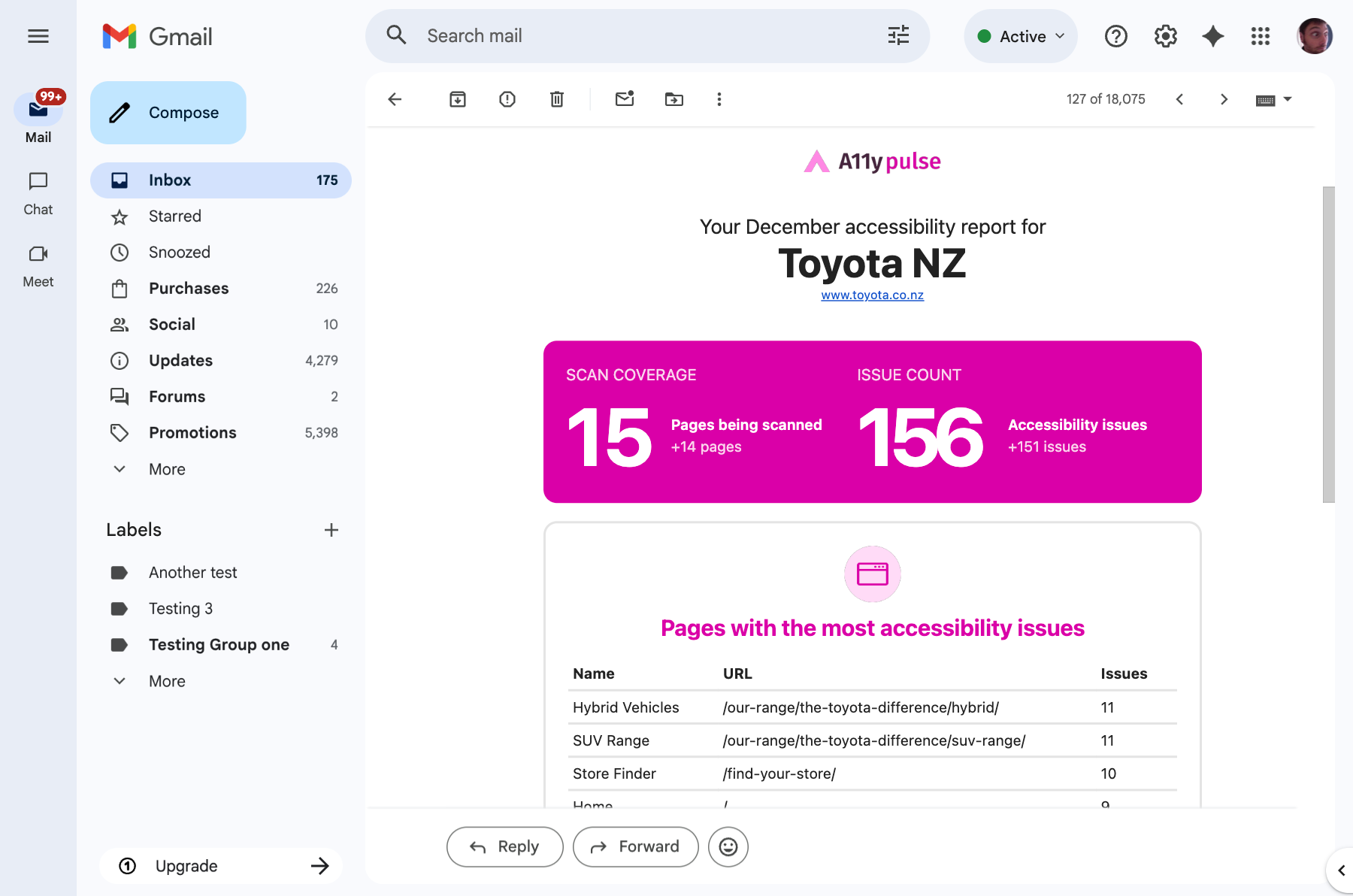
As well as regression alerts, A11y Pulse sends a monthly summary of your accessibility score, issue counts, and trends. Keep your team informed without anyone having to log in and check.
- Monthly digest with score, issue count, and month-on-month change
- Highlights new issues introduced in the last 30 days
- Perfect for sharing with non-technical stakeholders
The process
How it works
Connect your channel
Connect Slack or Microsoft Teams once for the whole team under Settings, Integrations, then attach each connection as an alert recipient on individual sites. Email recipients are added directly per site, no global setup. Slack uses standard OAuth, Teams uses a paste-a-URL workflow webhook, email is instant.
Set your threshold
Choose the issue count that triggers an alert, a 1% increase in issues for strict monitoring, or a larger increase if you want fewer notifications. Defaults to any regression.
Get alerted automatically
A11y Pulse monitors your score every day. When something regresses, you'll know within 24 hours, usually sooner.
Alerts fire when your overall issue counts raises above the threshold you've configured.
In A11y Pulse, go to Settings, Integrations, Slack and click Connect Slack. You'll be taken through a standard Slack OAuth flow where you choose the workspace and channel to receive alerts. Once connected, attach the Slack integration as an alert recipient on each site whose alerts you care about.
In Teams, create a workflow using the 'Send webhook alerts to a channel' template, copy the webhook URL Teams generates, and paste it into A11y Pulse under Settings, Integrations, Microsoft Teams. Once connected, attach it as an alert recipient on each site. Microsoft retired their legacy Office 365 Connectors in April 2026, so we use Power Automate Workflows, which Microsoft itself recommends.
Yes. You can connect multiple Slack channels, multiple Microsoft Teams channels, and any number of email addresses per site. Each can be configured independently to receive different alert types.
Yes. You can pause alerts for a site from the settings page. Useful during a planned sprint of fixes when you expect the score to fluctuate.
The monthly summary includes your current accessibility score, the change from the previous month, a breakdown of issues by severity, and a list of any new issues introduced in the last 30 days.
Get alerted the moment your site regresses
No credit card. No setup. Just your URL and a clear list of issues to fix.
Set up alerts in 60 seconds