Share proof of progress with any stakeholder, in one click
Generate polished accessibility reports instantly. Share audit results with clients, stakeholders, or auditors without any manual formatting.
Professional reports, instantly
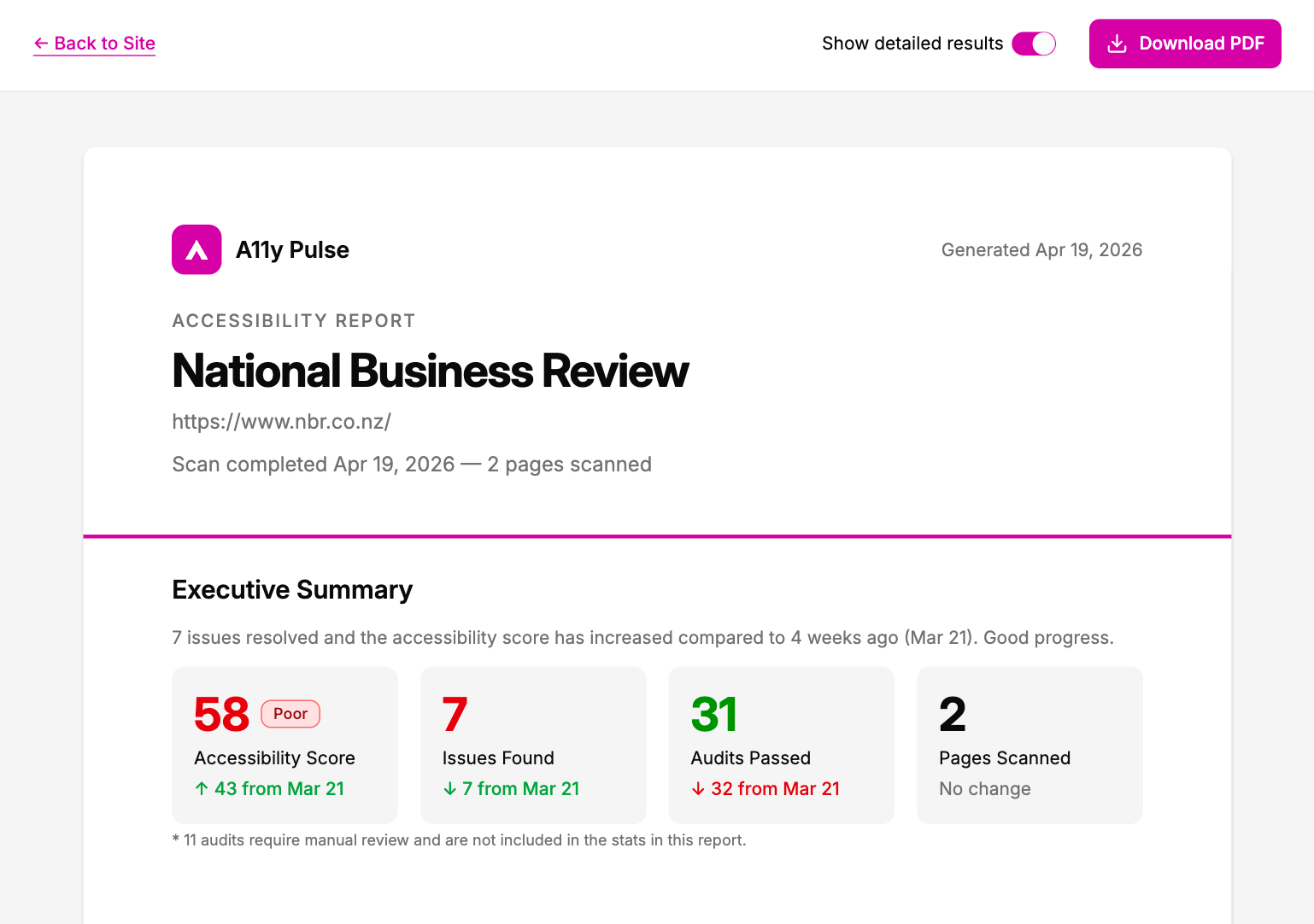
Generate a branded PDF report from any scan with a single click. A11y Pulse formats your results into a clean, readable document. No design tools, no copy-pasting, no manual effort.
- Cover page with your site name, date, and overall score
- Executive summary with pass/fail breakdown by severity
- Full issue list with WCAG references
Show progress over time
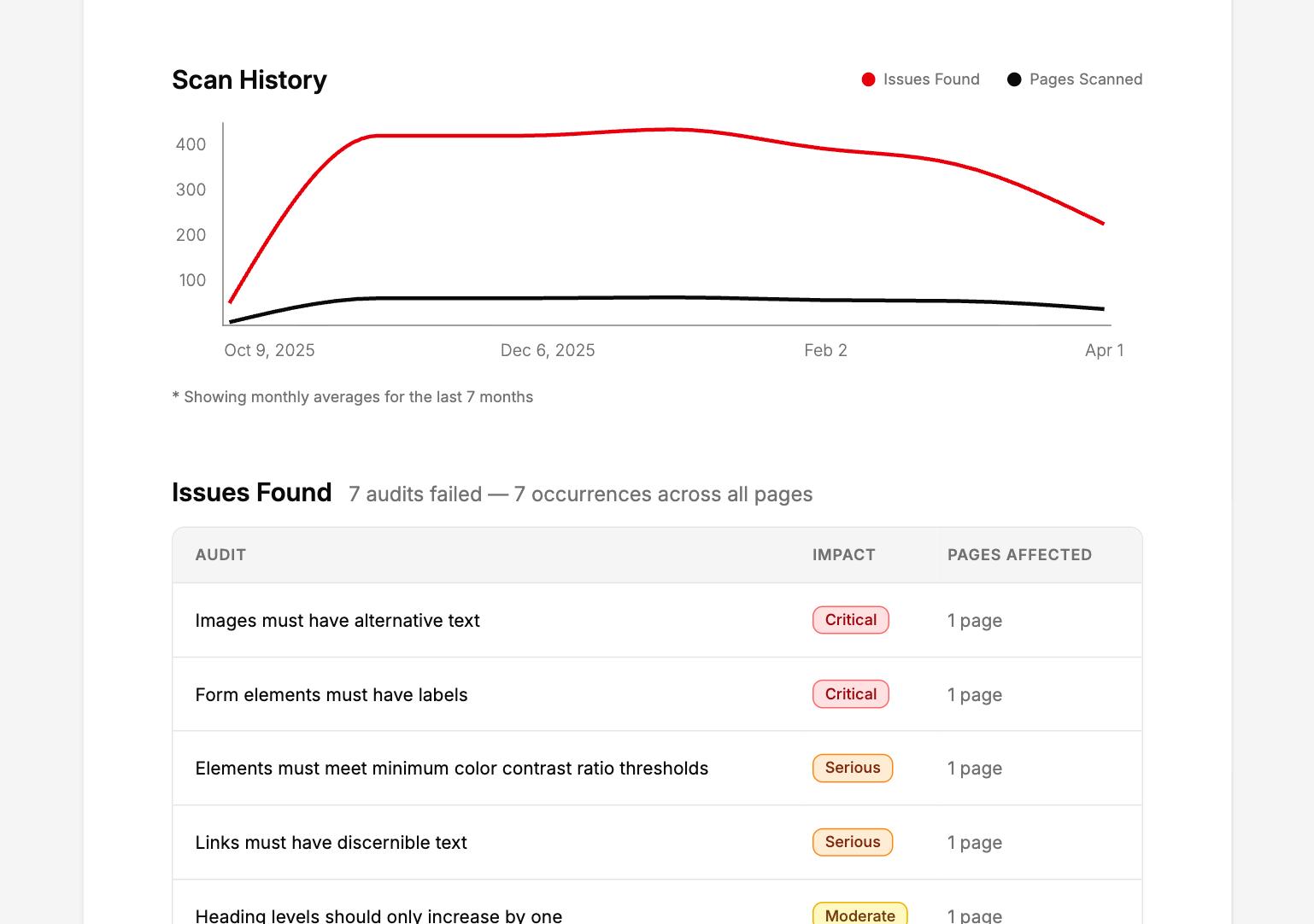
Every report includes a trend chart showing how your accessibility score has changed over time. Give clients and stakeholders clear evidence that issues are being addressed, not just flagged.
- Score trend chart from your scan history
- Before/after comparisons for recent fix rounds
- Timestamped for your own audit trail
Go deeper with the detailed appendix
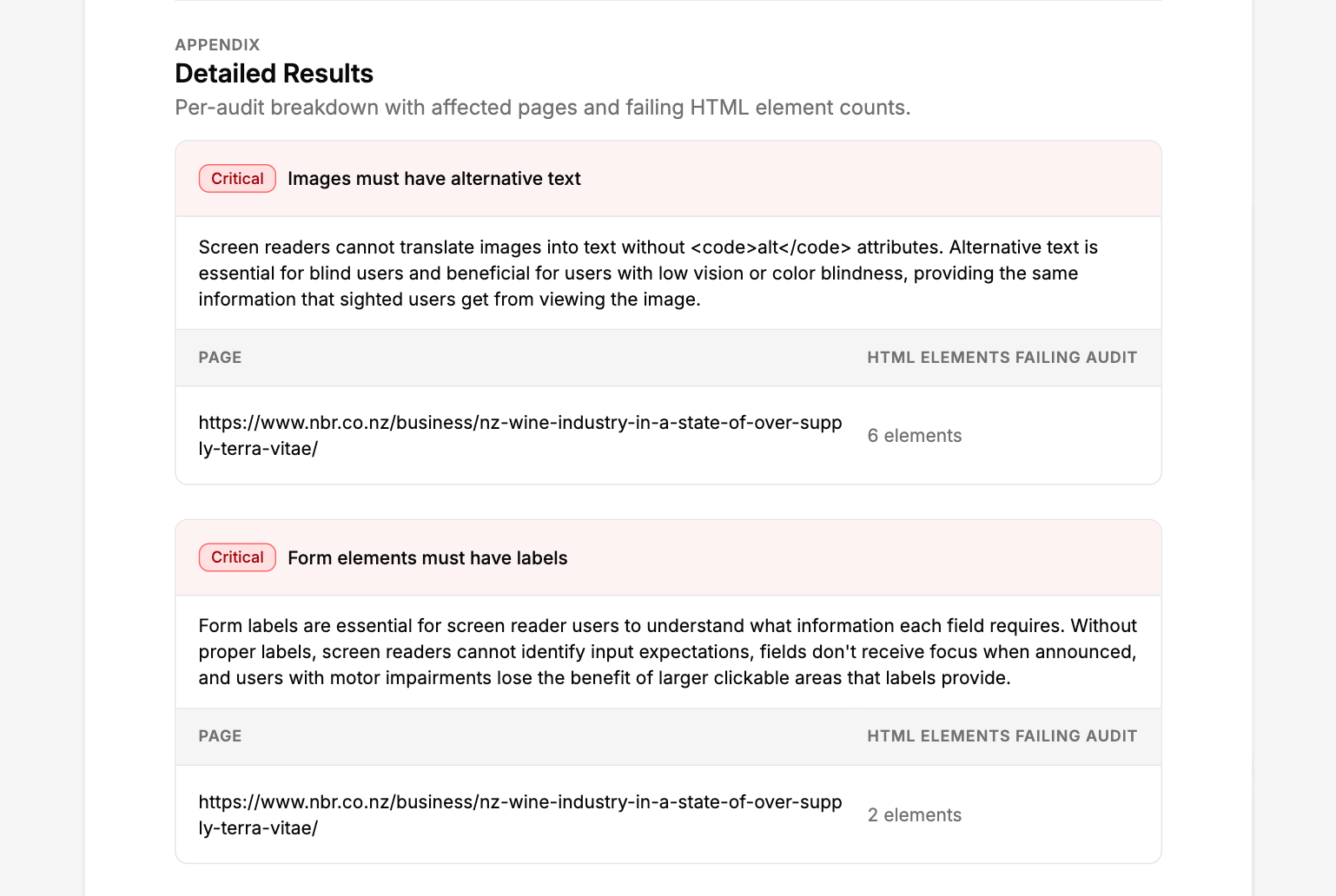
Every report includes a clean executive summary by default. For those who want more, turn on the detailed appendix to add a full issue-by-issue breakdown showing which elements failed and why each audit matters, at the end of the same document.
- Standard report covers score, severity breakdown, and trend
- Optional appendix adds every failed element and the reason it matters
- One PDF, as much or as little detail as you need
The process
How it works
Run a scan
A11y Pulse scans your site automatically every day. Or trigger an on-demand scan any time: before a client review, after a round of fixes, or before a compliance deadline.
Generate your report
Open any scan and click Generate PDF. Your report is ready in seconds, formatted, scored, and ready to send.
Share with stakeholders
Download the PDF and share it however you like: email, Slack, a client portal. No login required to view it.
Every report includes your overall accessibility score, a breakdown of issues by severity (critical, serious, moderate, minor), WCAG rule references, and the affected page and element for each issue.
The standard report covers your overall score, severity breakdown, and trend chart, designed for stakeholders and clients. The detailed appendix adds a full issue-by-issue list showing which elements failed and why each audit is important. Fix instructions stay in the app, API, and MCP server. You can toggle the appendix on when generating the report.
Yes. Every report includes a score trend chart showing your accessibility score over time, so you can demonstrate progress to clients and stakeholders.
Reports include your site name and scan date by default. White-labelling is not currently supported, contact us if you'd like it.
Download the PDF and share it however you like. There's no login required to view the file. Just send it as an attachment or upload it to your preferred file sharing tool.
Share your first accessibility report in minutes
No credit card. No setup. Just your URL and a clear list of issues to fix.
Generate your first report