July 2026 Newsletter: NZ councils benchmark, mobile scanning, scripting upgrades, and an open-source focus audit


Welcome back to the A11y Pulse newsletter! Accessibility regulation in New Zealand has been quiet for a long time, so July stood out: the Government Digital Delivery Agency opened public consultation on a draft Digital Accessibility Standard (DAS). The DAS is due to replace the current Web Accessibility Standard 1.2 in early 2027, and the big change is scope. Where WAS 1.2 is about websites and web apps, the draft DAS is written for digital technology more broadly, including mobile apps and documents. Consultation runs until Friday 7 August 2026, so if you work in or with government digital services, now is the time to have your say.
We were busy at A11y Pulse too: a new industry benchmark on NZ councils, mobile device emulation for scans, our biggest scripting update yet, and the open-sourcing of our Focus Appearance audit. Let’s dive in!
Industry Benchmark: New Zealand councils
Our Industry Benchmark series is about building a picture of accessibility across the web, industry by industry. This month we looked at local government and tested 26 New Zealand city, district, and regional council websites. Council sites matter because they serve everyone in a community, and because councils are encouraged to meet the New Zealand Government Web Accessibility Standard.
The results broke two of our records at once. Palmerston North City Council became the first website we have ever tested to score a perfect 100, and at the other end of the table we saw single-digit scores for the first time. Eleven councils landed in the “Poor” rating band. The most common issues will not surprise anyone who has done this work before: incorrect heading structure on all 26 sites, insufficient colour contrast on 23, and missing or misused page landmarks on 22.
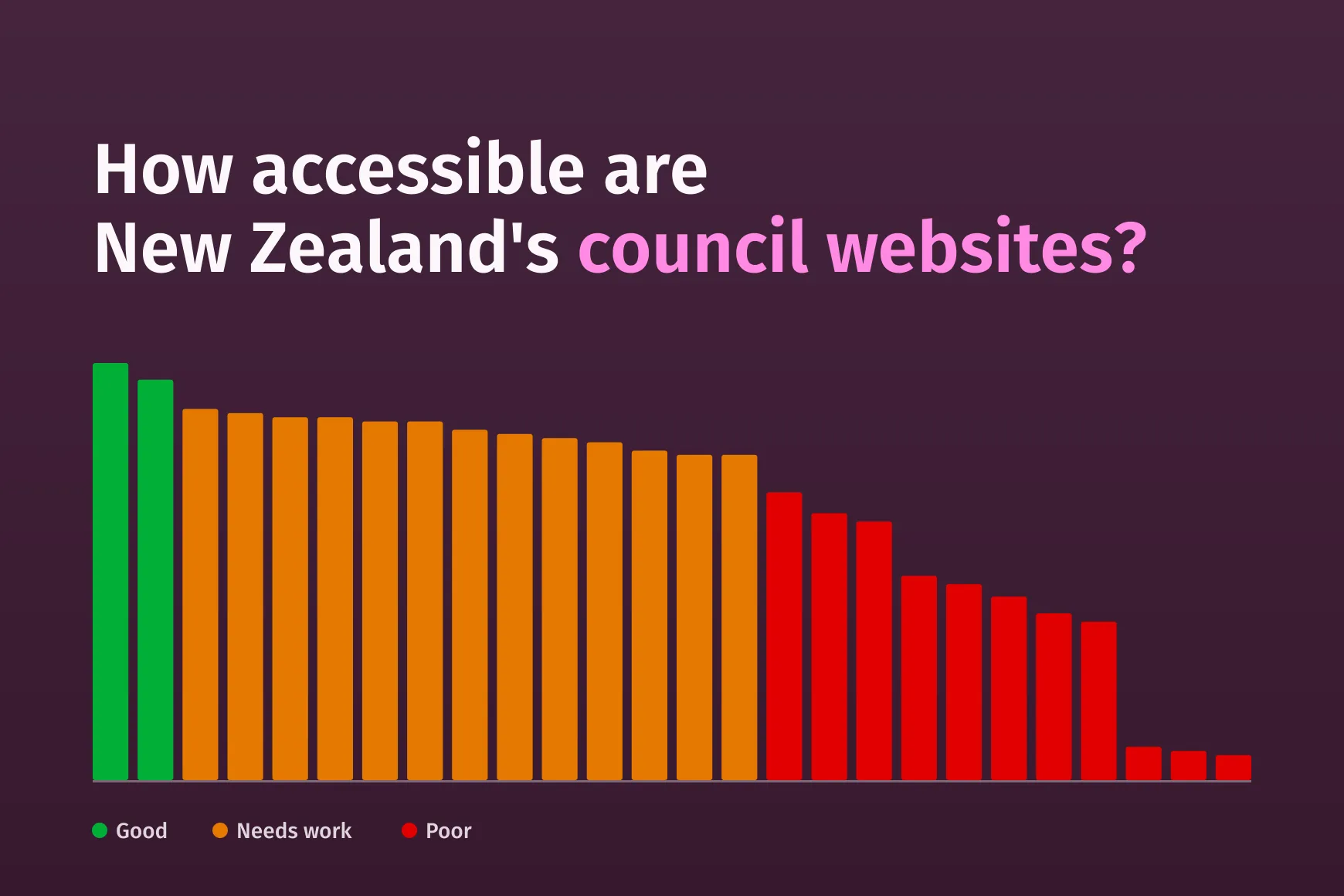
You can read the full benchmark on our blog, including the leaderboard, the most common issues, and the manual keyboard and screen reader findings from the best and worst performers.
Scan as a mobile device
A11y Pulse scans as desktop Chrome by default. That is fine for a lot of sites, but it is not always the experience your visitors get. This month we added mobile device emulation as a site setting. Switch a site to Mobile and every scheduled and manual scan runs at a 360 by 808 viewport with a Pixel 9 profile, reporting as Mobile Chrome on Android and treating the page as a touch device.
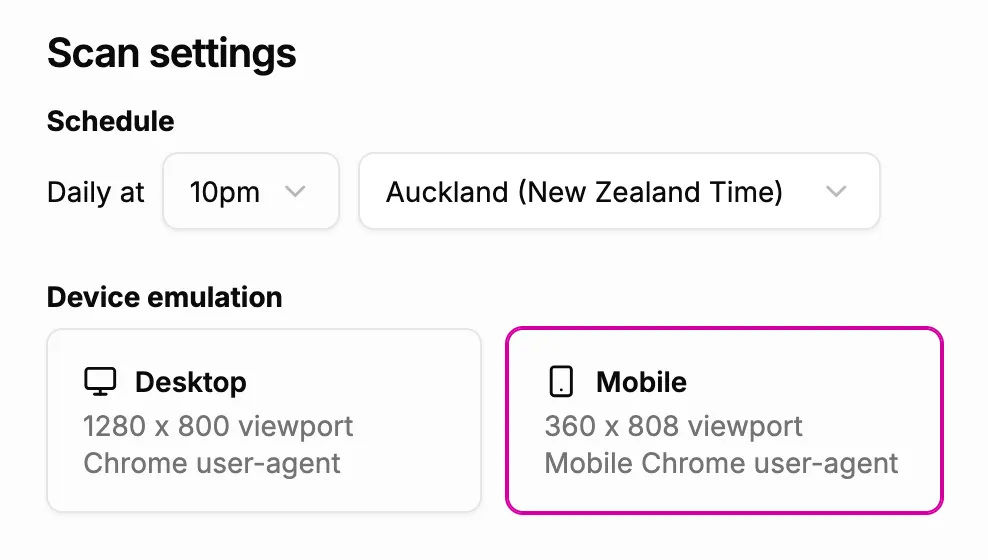
For most responsive sites the accessibility findings will not change much, because the underlying HTML is the same. The sites that should expect different results are the ones that serve genuinely different mobile content, such as a separate mobile site or markup that changes based on the requesting device. The documentation has the full details, including how to track both mobile and desktop if you need both.
Scripting just got a whole lot better
Scripting is how you get A11y Pulse into logged-in apps and multi-step flows, and July was our biggest scripting release yet. You can now generate TOTP codes with totp() to get through 2FA logins, seed browser state with setHeader(), setCookie(), and setLocalStorage(), and mark steps as .optional() so things like cookie banners do not abort a scan when they are absent. We also added new built-in variables and turned the script editor into a proper editor with syntax highlighting and validation on save, so mistakes like a missing navigate() or a typo in a function name show up before you burn a scan.
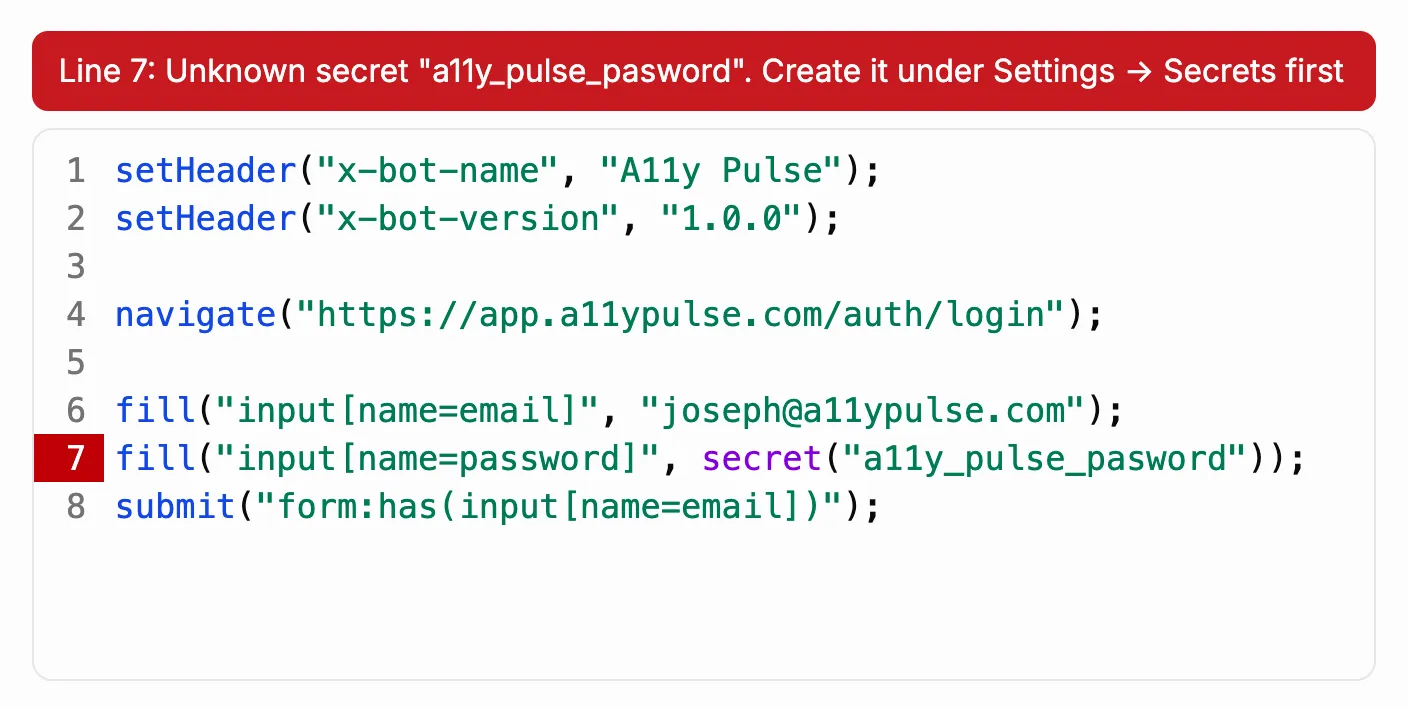
I wrote up the full announcement on the blog, and the scripting reference covers every function and modifier in detail.
Our Focus Appearance audit is now open source
In June we launched our Focus Appearance audit and said we planned to release the source, because better focus testing should not be locked inside one product. This month we followed through. The audit is now available on GitHub and npm as @a11y-pulse/focus-appearance-audit. It tabs through focusable elements and checks for a visible focus indicator against WCAG 2.4.7 Focus Visible. It is framework-agnostic, ships with a Puppeteer adaptor, and is released source-available under the PolyForm Shield License.
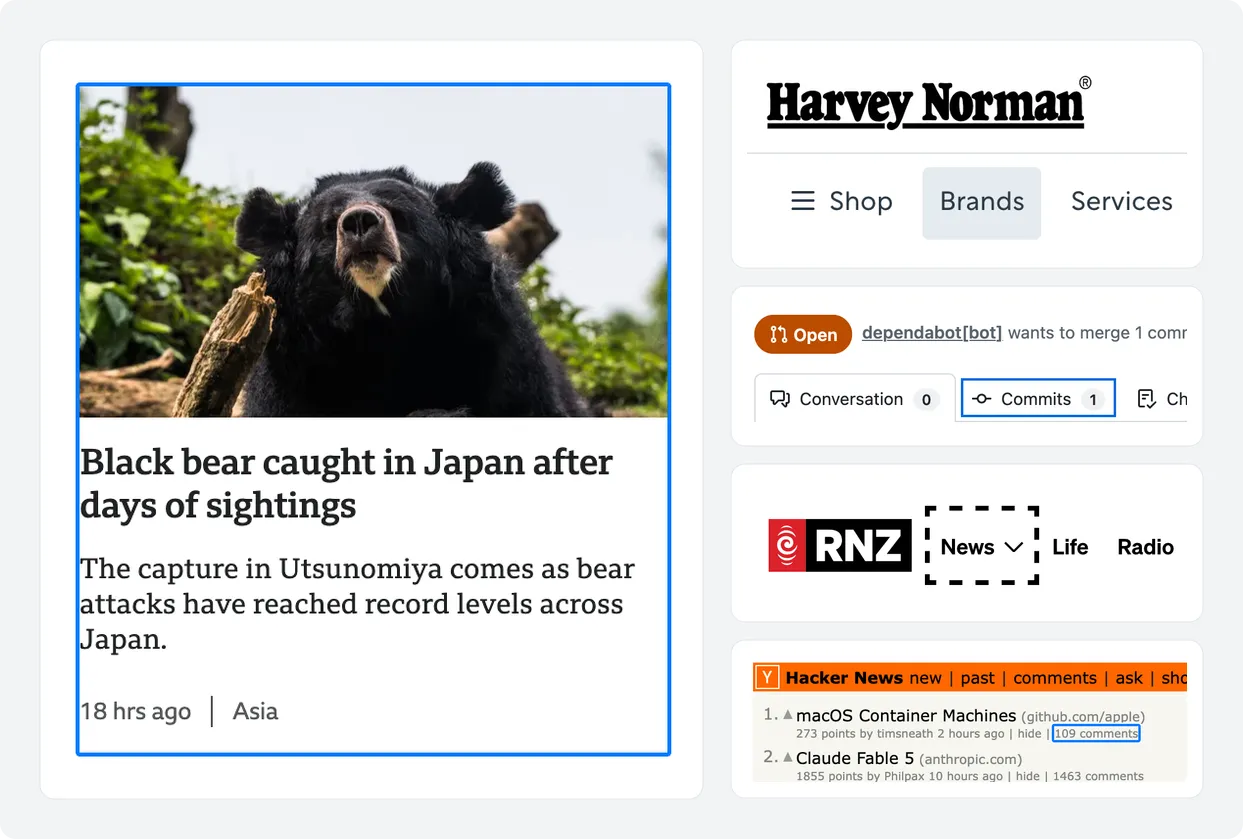
If you want to run it in your own tooling, start with the repository. For how we use it inside A11y Pulse, see the launch post and the documentation.
That’s all for this month. Thanks again for following along with our journey. I’m looking forward to sharing more updates with you next month.
Joseph