Troubleshoot Scanning Errors
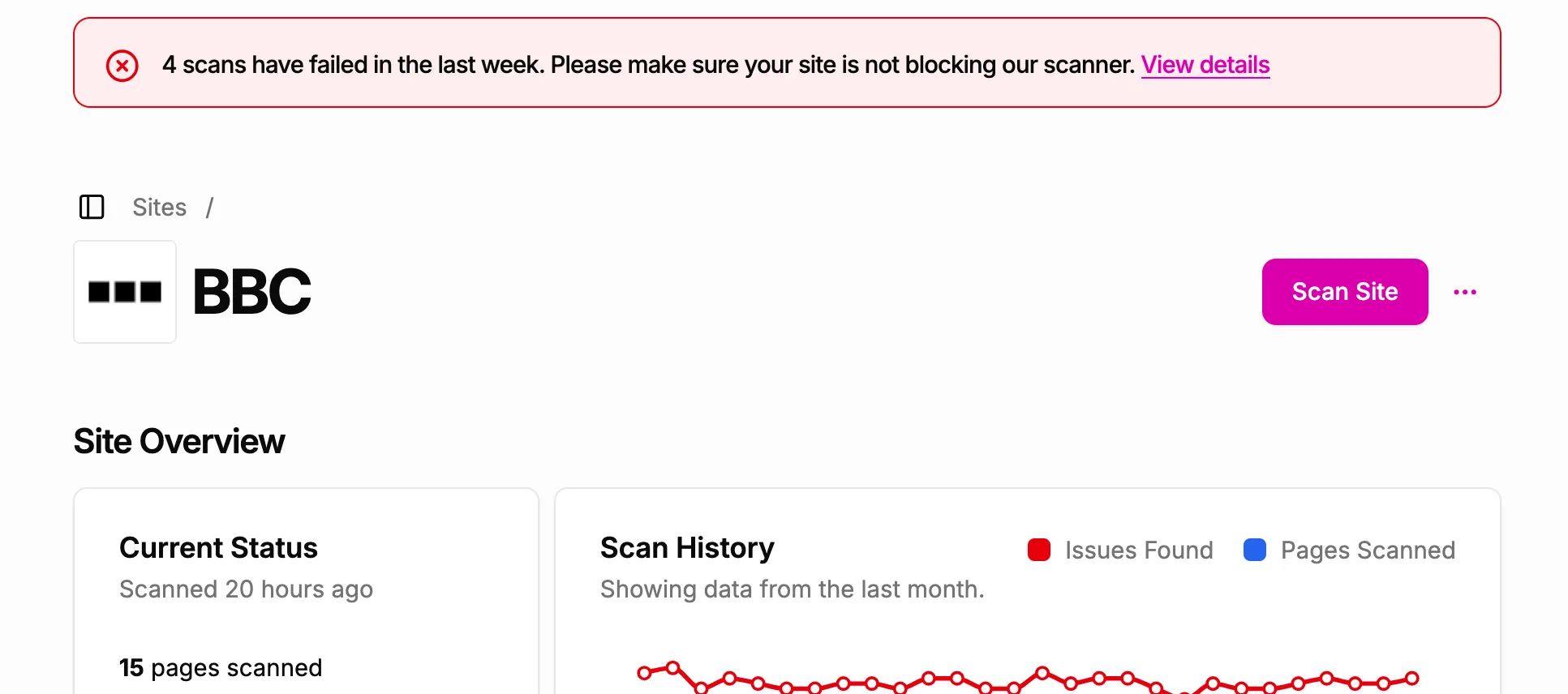
If the A11y Pulse scanner has problems scanning your site, you will see a banner at the top of the site page. Clicking on the “View details” link will show you a list of scans where errors occurred.
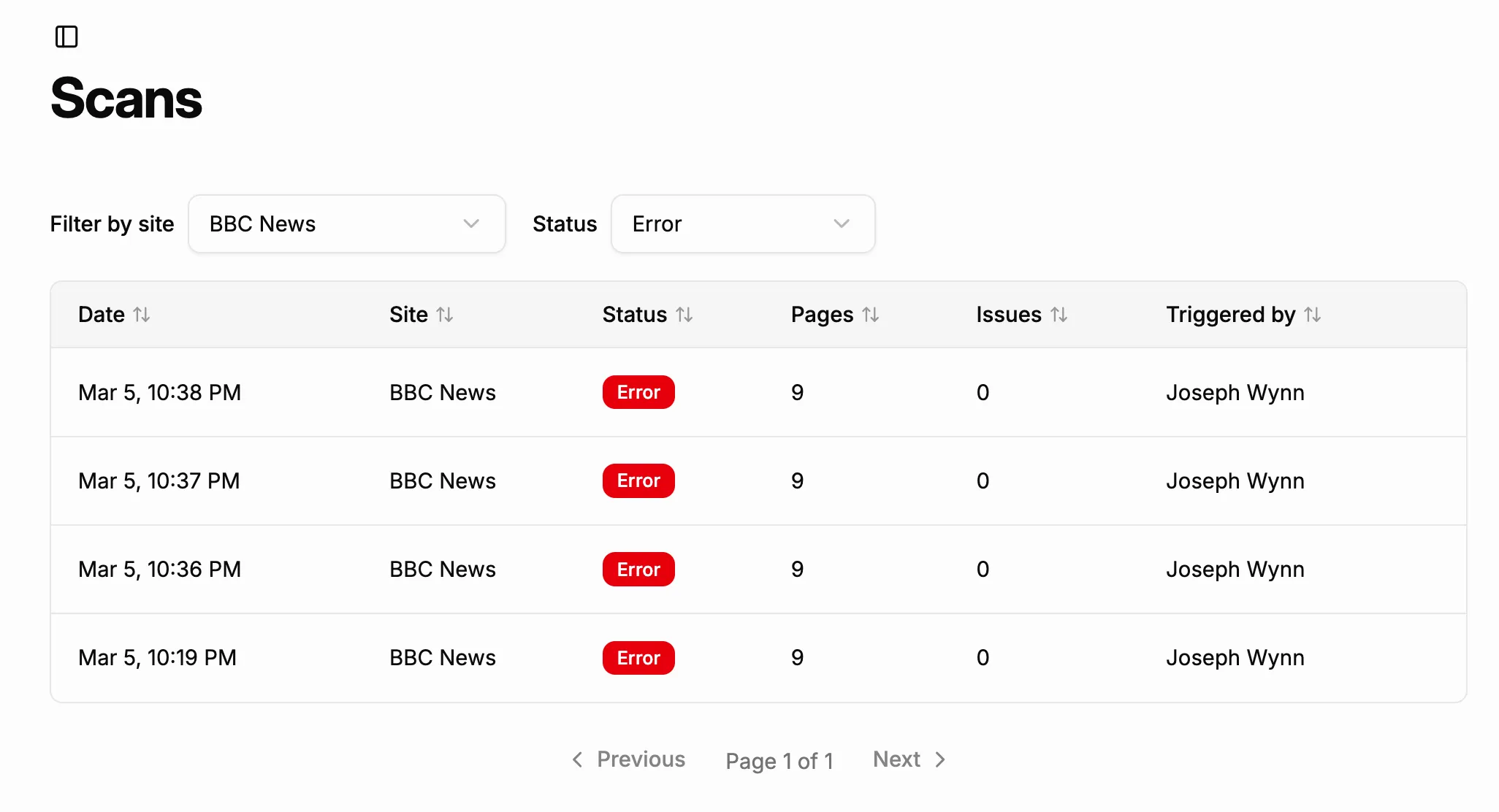
On the Scans page, you can click on any scan to see more details about the scan and any errors that occurred during it.
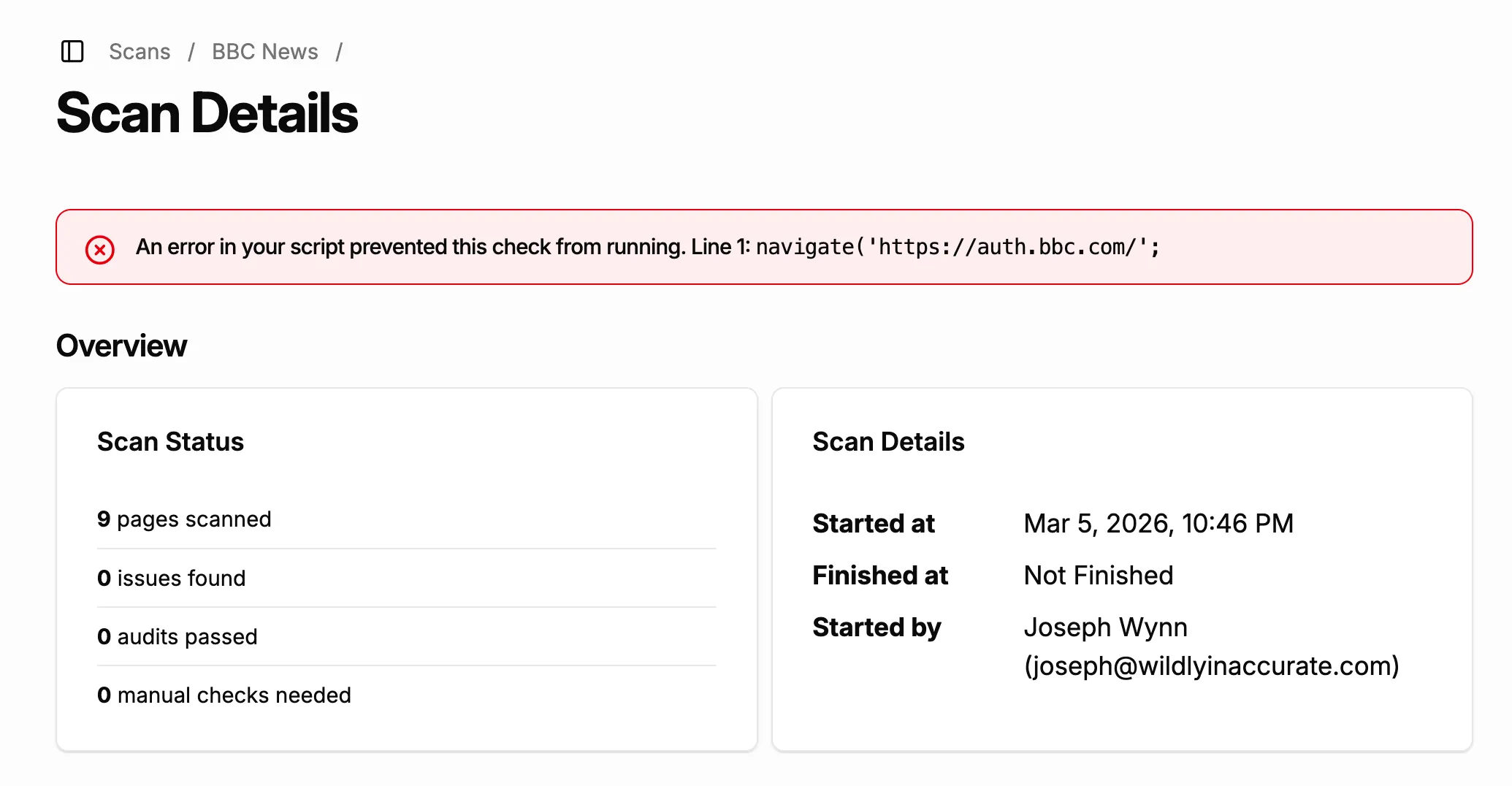
When viewing a scan with errors, you will see a banner at the top of the page with any error details. In the example below, a syntax error in the site’s script has caused the scanner to fail.
Related documentation
- About Our ScannerWhat the A11y Pulse scanner is, what it does on your site, and how to identify and allow its traffic.
- Static IP AddressUse A11y Pulse's static IP address to allowlist our scanner in your firewall or security settings.
- How to Script User FlowsLearn how to use the scripting feature to test pages behind logins or simulate user flows.
- Scan FrequencyFind out how often A11y Pulse scans your website.
- Scripting ReferenceA comprehensive guide to all of the functions available when using the scripting feature in A11y Pulse.